A phone that lets you go
A set amount of time each day. Away from home, only the apps you really need. And no endless short videos.
Download
OKAK0 Screen
Once a week you choose how much time you get each day. The choice holds until Sunday.
Download APKOKAK0 Screen 1:15
The same app with the time fixed at 1 hour 15 minutes a day. There is no setting to raise it.
Download APKOKAK0 SSH
The ssh.okak0.com terminal as an app. It connects straight from the phone and remembers your servers.
Download APKInstalling
Google Play Protect blocks the install. The app isn't from the Play Store and it needs accessibility access to see which app is open, so Play Protect stops it. Turn the scanner off for the install, then turn it back on.
- Open the Play Store and tap your profile picture.
- Tap Play Protect, then the gear icon in the corner.
- Turn off Scan apps with Play Protect.
- Download the APK above, open it and allow your browser to install apps.
- Open OKAK0 Screen and go down its Set up list.
- Turn Scan apps with Play Protect back on. If it later warns about OKAK0 Screen, choose Keep app.
How it looks
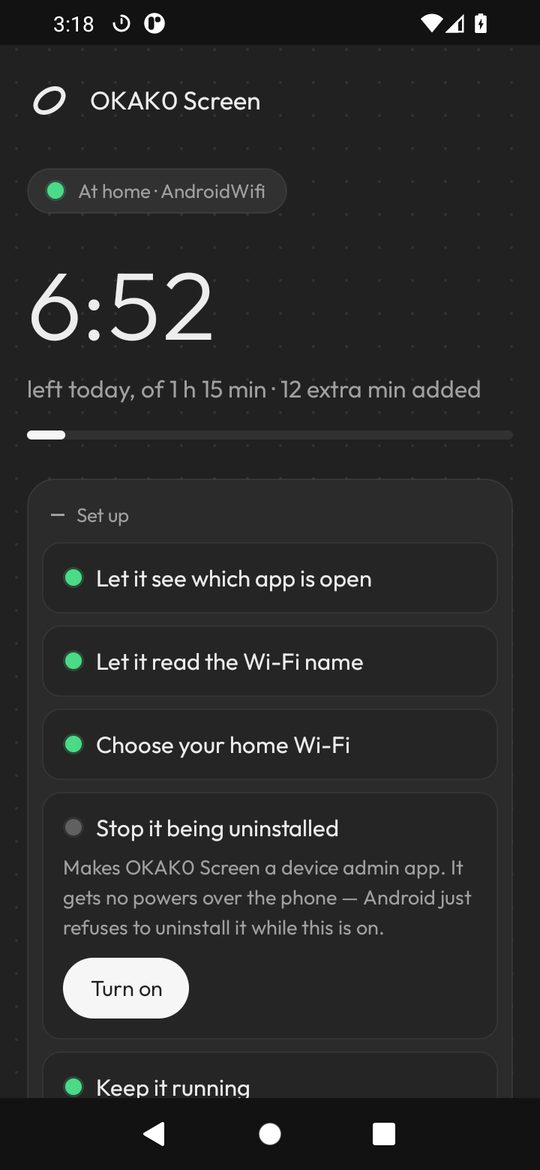
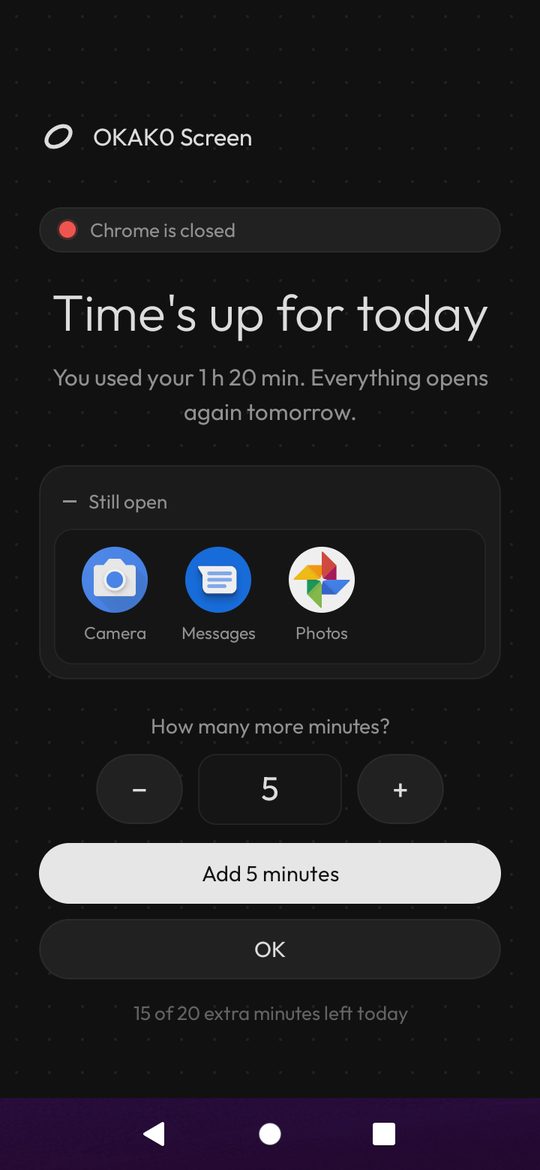
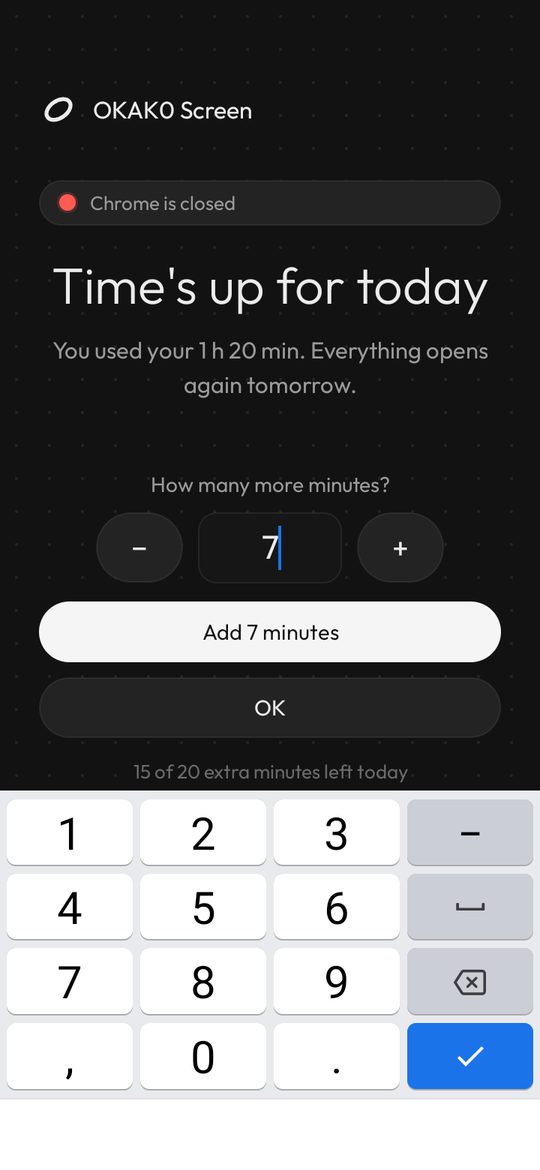
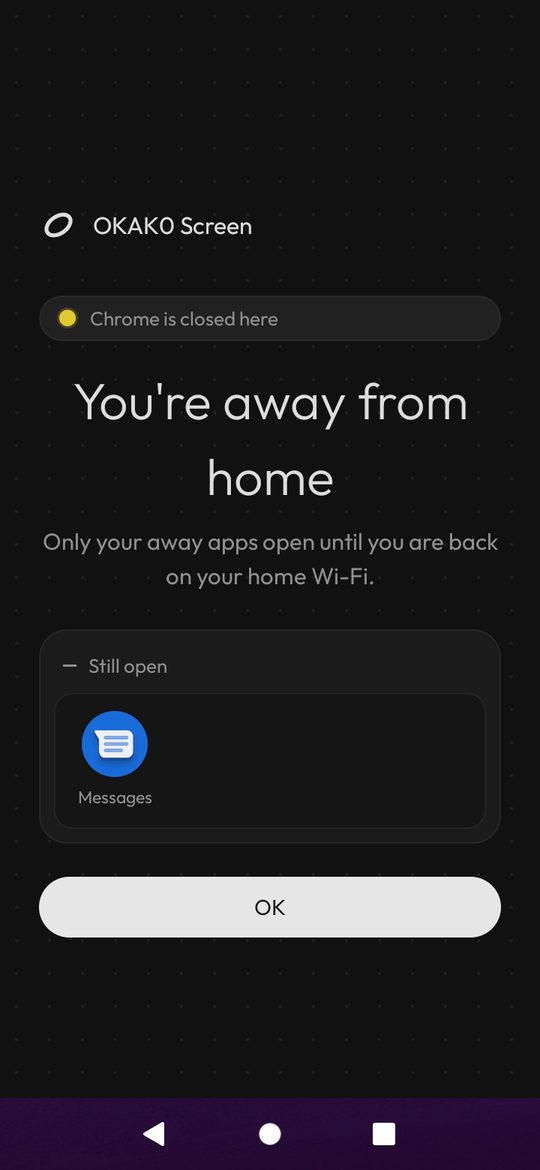
The rules
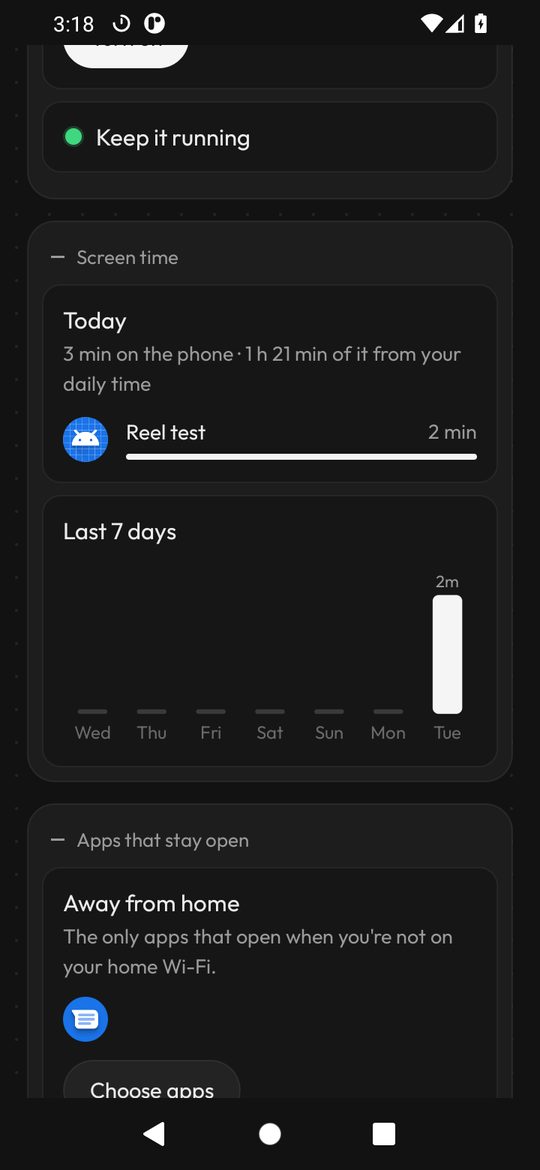
- At home (your Wi-Fi, checked by its name and your router's address) every app works until the day's time is used.
- When time is up only the apps you picked still open — by default Moovit, Waze, Discord, WhatsApp, camera, gallery and messages. Phone calls always work.
- Extra minutes: type how many you want, up to 20 a day in total.
- Away from home only your away apps open — by default WhatsApp, Discord, Moovit, Waze and messages (and OKAK0 SSH if you install it). This rule has its own switch.
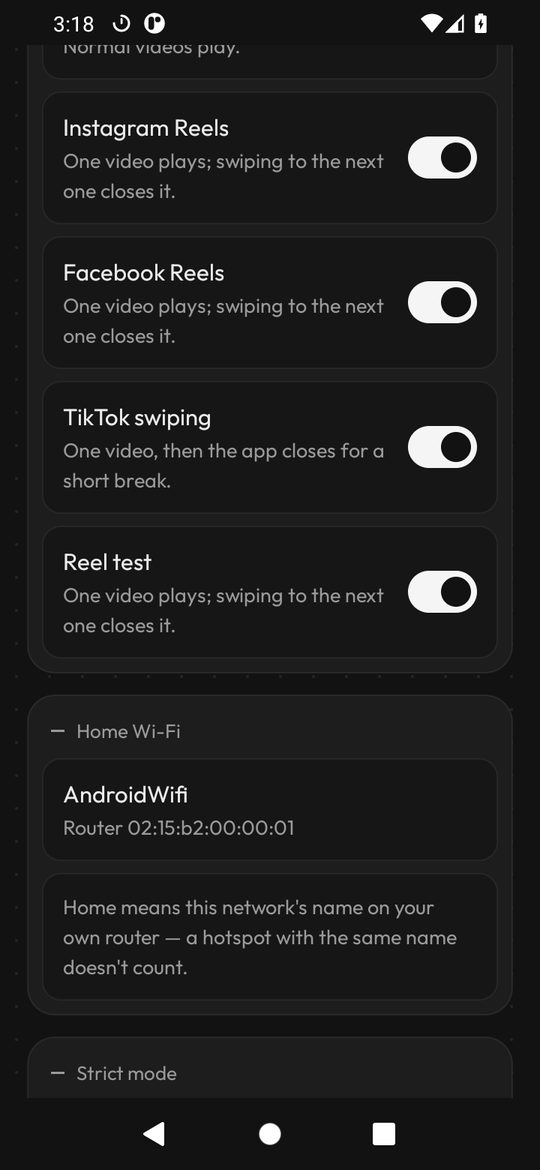
- Short videos: YouTube Shorts close on sight. In Instagram, Facebook and TikTok one video plays; swiping to the next closes it.
- Strict mode: the app can't be switched off or uninstalled, and anything that loosens the rules takes 24 hours to count.
- Private: nothing about your apps or your Wi-Fi leaves the phone. The app only contacts this site for updates and the time.